Flows

Orchestrate work from trigger to outcome.

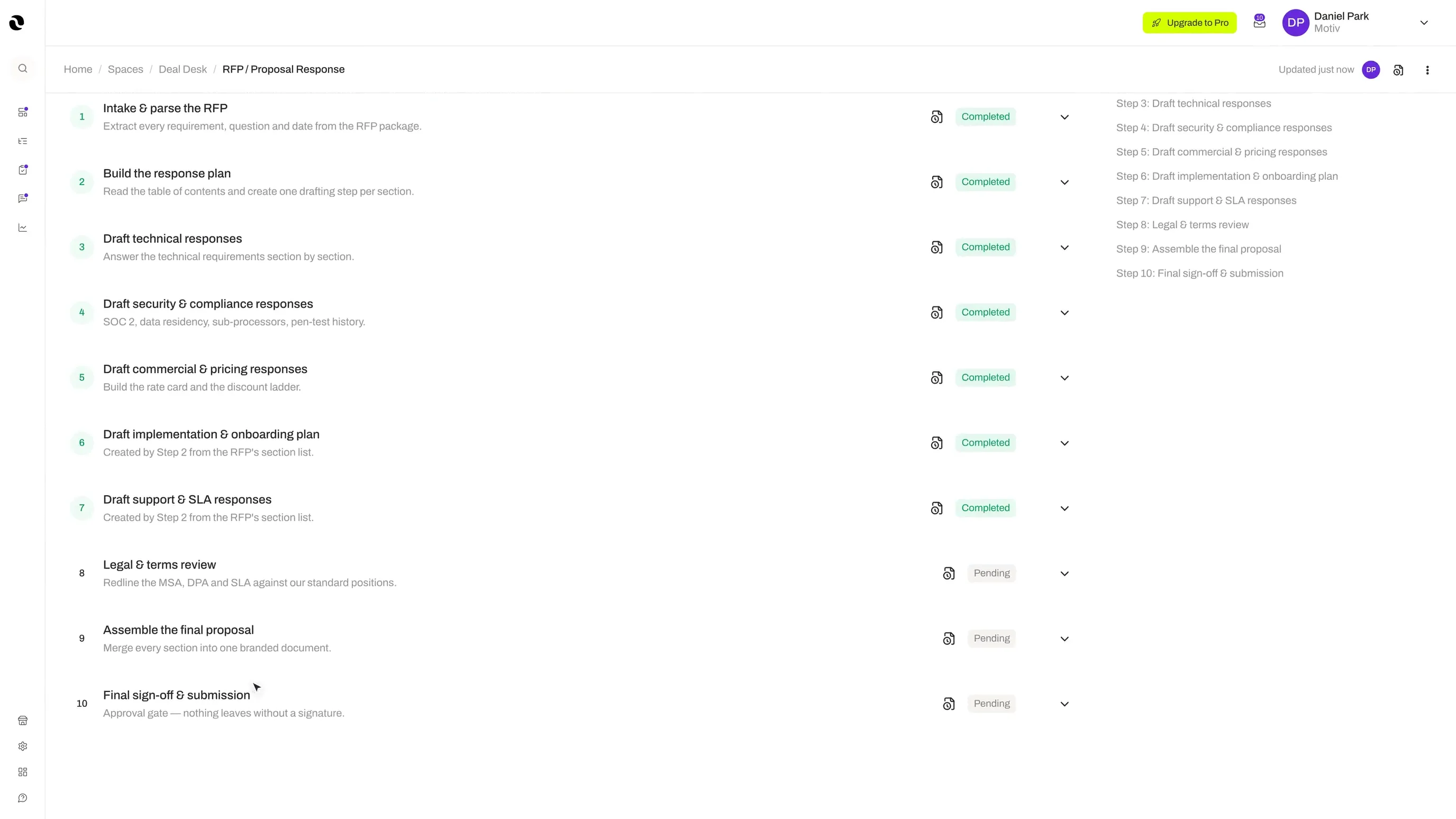
Flows turn repeatable business processes into AI-enabled workflows with visibility, control, and built-in human review.

Flows · runninglive
Trigger
Guardrail
Agent
Connector
Memory
Tool
Tool
Decision
Output
Output
Why it matters

Manual coordination slows execution and breaks consistency.

Manual coordination slows execution, creates inconsistency, and makes it hard to scale. Flows give your business a repeatable shape for how work gets done.

Workflow orchestration
How it works

From setup to live workflow.

  1. Step 01

    Choose a trigger

    Start the flow from a form, a connector event, a schedule, or a manual launch.

  2. Step 02

    Compose the steps

    Drag in agent actions, tool calls, approvals, and branching logic.

  3. Step 03

    Add review and guardrails

    Decide where humans confirm and where guardrails enforce policy.

  4. Step 04

    Run and improve

    Launch the flow, monitor runs, and refine steps based on real execution data.

What it does

What Flows help you do.

  • 01Trigger work based on events or inputs
  • 02Route tasks to the right people or agents
  • 03Apply approvals and review checkpoints
  • 04Automate repeatable steps
  • 05Keep status and ownership visible throughout execution
Outcomes

What teams actually see.

01 / Outcome

Shorter cycle times

Work that took days now moves through structured steps in hours.

02 / Outcome

Visible status and ownership

Every run shows who owns what and where it currently sits.

03 / Outcome

Repeatable process quality

Once a flow works, it works the same way every single time.

Build on Opal

Explore workflow use cases.

See how Opal helps you design and run better operational systems.