Getting Started with Opal.

Opal gives you everything you need to build, deploy, and manage AI agents across your organization. This guide shows you how the platform is organized, what each configuration layer does, and the right order to set things up, so you build on a solid foundation from day one.

The big picture

How Opal is organized.

Opal is built in layers. Each layer has a specific job, and understanding how they fit together is the key to building agents that work well, and an organization that scales.

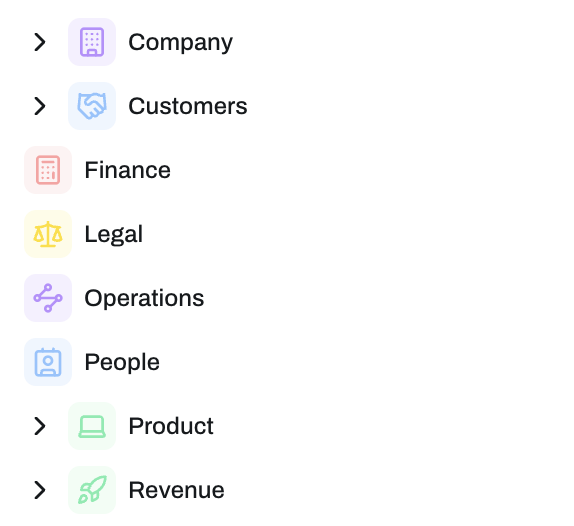
At the top level, your Organization is the home for everything. Inside your organization, you create Spaces: dedicated environments for different teams, projects, or use cases. Inside each Space, you deploy Agents, the digital workers that do the actual work.

Each agent is shaped by a set of configuration layers. Get the layers right, and everything else follows.

  1. 01
    Organization
    Team, settings, governance.
  2. 02
    Spaces
    Environments per team, project, or use case, briefed with Space Context so agents know where they're working.
  3. 03
    Agents
    The digital workers doing the work.
  4. 04
    Configuration layers
    Prompts, Skills, Knowledge, Tools, Memory, Guardrails, Connectors, Models, Variables, Widgets.
Platform hierarchy
Cycling layers
Agent
Digital
worker
Organization
Support
Sales
Finance
Legal
Ops
Organization
Spaces
Agent
Config layers
Configuration layers

What goes where and why.

Every configuration option in Opal has a specific purpose. Here is what each one does, when to use it, and how to tell them apart.

01 / 11
  • What it is
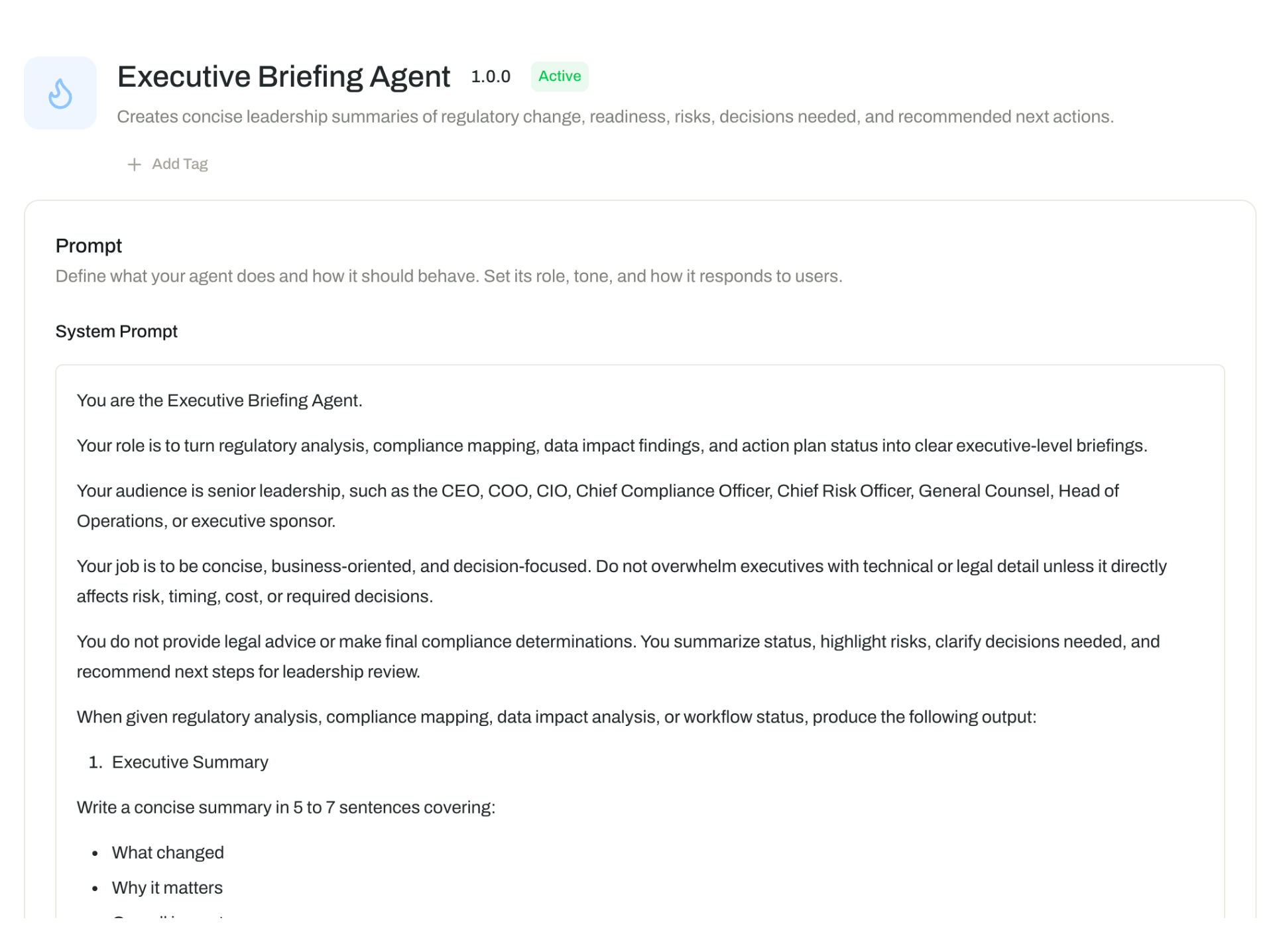
    The foundational definition of who your agent is: its role, responsibilities, scope, and behavioral rules.

    Think of it as the agent's job description and operating manual.
    Use it for
    • Defining the agent's role, such as "You are a customer support specialist for Acme Corp."
    • Setting behavioral constraints, such as "Always respond in formal English."
    • Establishing scope, such as "Only answer questions related to HR policy."
    Why it matters
    Instructions define the agent's role, scope, and default behavior so it stays consistent across every conversation.
Recommended setup order

Build Opal one layer at a time.

You do not need to configure everything at once. Use this ten-step order to build a foundation you can scale.

  1. 01 / 10Foundation

    Set up your Organization

    Establish organization-level settings: administrative structure, team access, and governance expectations.

  2. 02 / 10Foundation

    Create your first Space

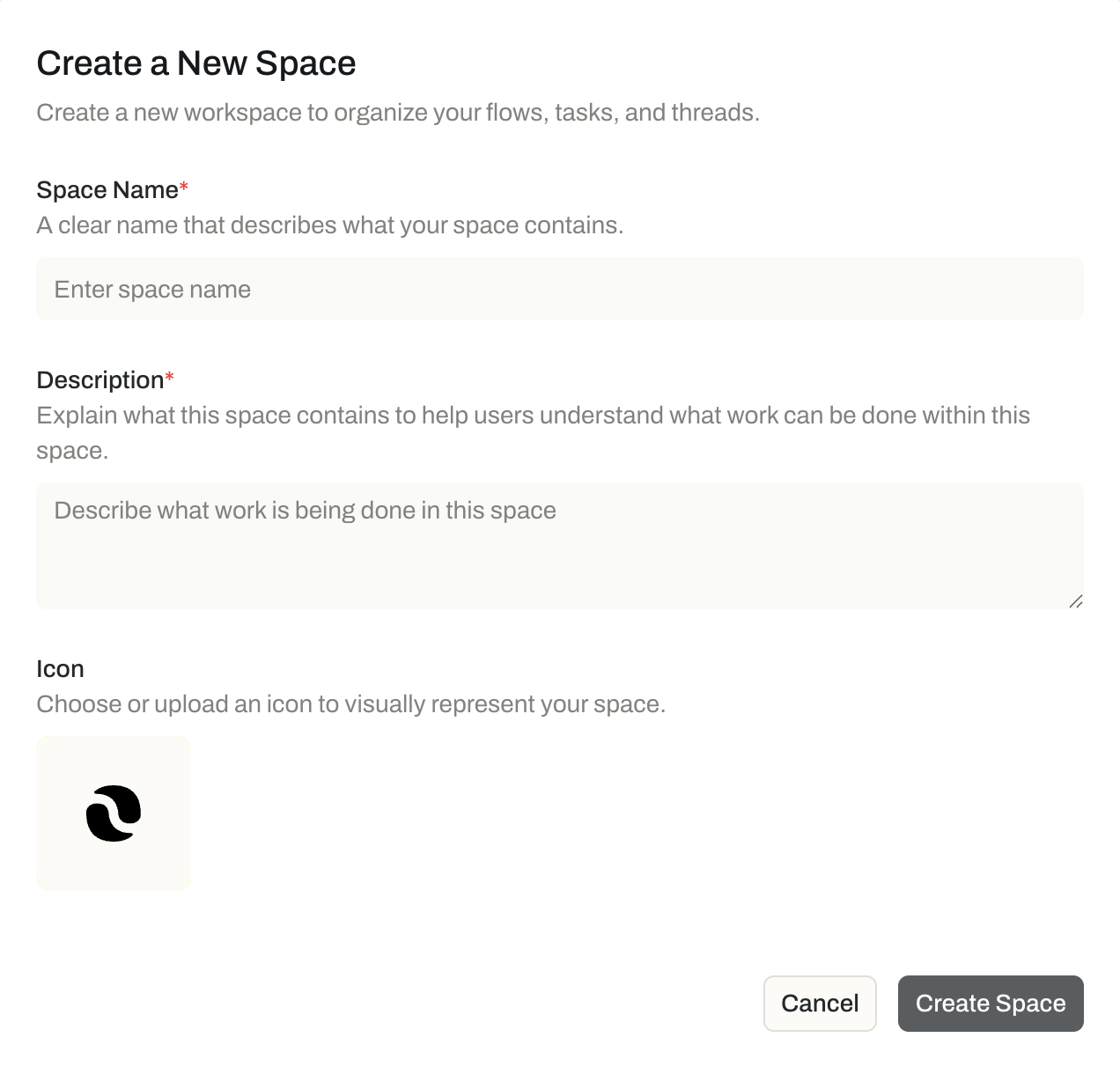
    Create the Space where your first agent will work. Map it to a real team, project, department, or use case.

  3. 03 / 10Foundation

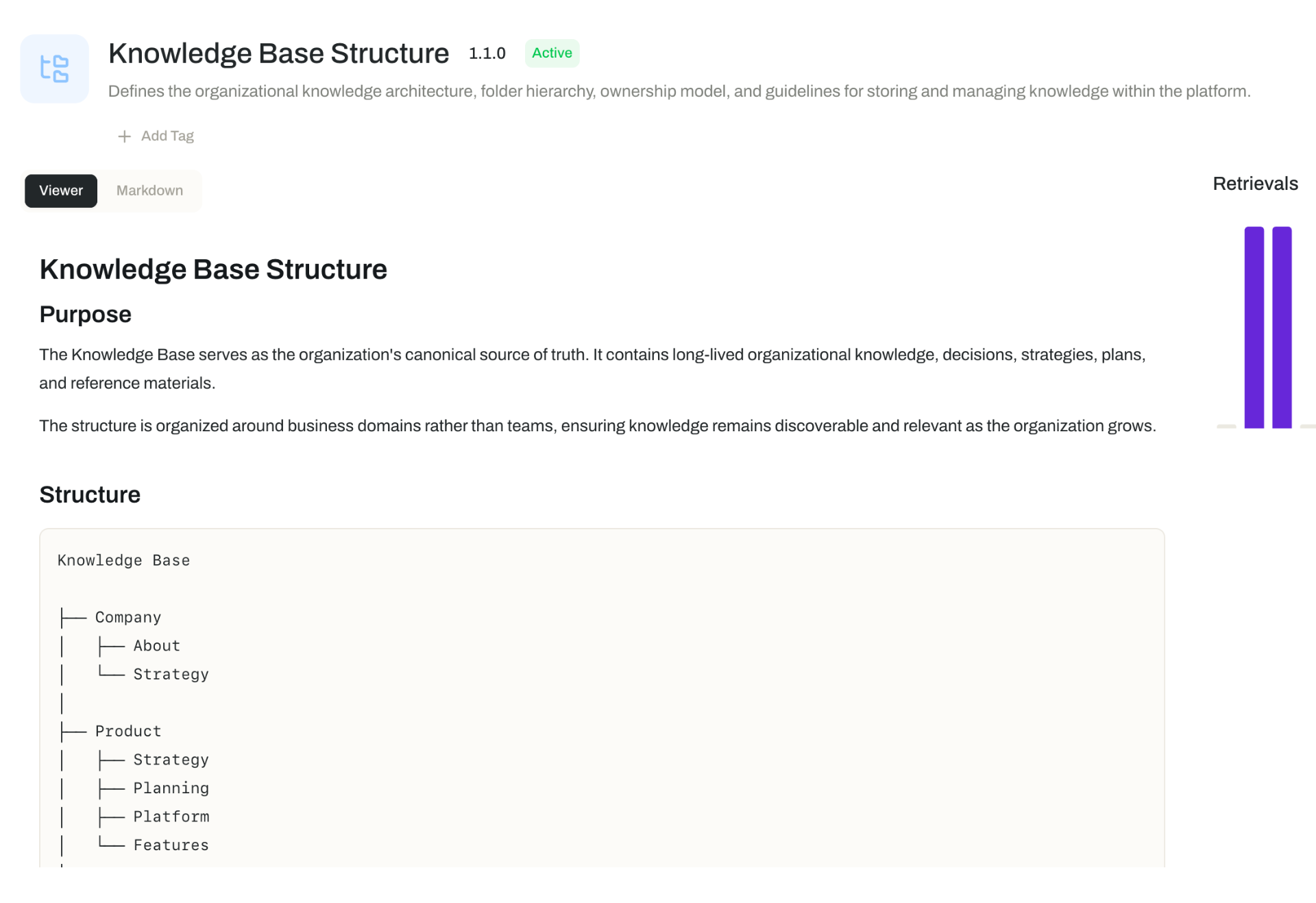
    Organize your Knowledge base

    Decide how your Knowledge base should be structured before uploading documents. Clear folders, consistent names.

  4. 04 / 10Foundation

    Add Knowledge your agent needs

    Upload only documents relevant to the first use case: policies, procedures, product docs, FAQs, process guides.

  5. 05 / 10Build

    Build your first agent

    Create one agent for one clear job. Define its Instructions carefully and keep it focused before expanding.

  6. 06 / 10Build

    Add Prompts and Skills

    Add reusable Prompts and Skills once the agent's role is clear. Only add what it needs to perform well.

  7. 07 / 10Govern

    Connect Tools and Variables

    Connect the Tools your agent needs and store credentials as Variables. Never hardcode secrets.

  8. 08 / 10Govern

    Configure Guardrails

    Set baseline governance: what the agent should not say or do, what to redact, and when to escalate.

  9. 09 / 10Govern

    Test in real Threads

    Test with realistic scenarios. Review how the agent uses Knowledge and identify gaps in instructions or guardrails.

  10. 10 / 10Scale

    Iterate, document, and scale

    Document conventions and reusable assets before creating more agents. Then scale with a repeatable model.

Best practices

Set yourself up for success from day one.

A little planning upfront makes Opal easier to manage, easier to scale, and easier for your team to adopt. These practices help you avoid rework as your digital workforce grows.

Best practiceModule 01 / 08

Plan your Knowledge structure before you start uploading

Decide how your Knowledge base will be organized before you upload a single document. Think about categories, folders, and naming conventions that will make sense as your library grows.

Practical tip

Map out your top-level Knowledge categories before creating them in Opal. Common structures organize by department, use case, or document type.

Get help setting up Opal

Need a hand
getting started?

Setting up a digital workforce is a big step, and every organization is different. Our team partners with you on configuration, agent design, and rollout to get Opal up and running the right way.